
Module · Gallery
Your work at its best
Hairdressers, carpenters and cafés sell with their eyes. Albums with four layouts, photos resized automatically for fast loading — and room for about 1,500 photos free.
basic version free full version CZK 149 / month included from Premium
Made for hair and beauty · tradespeople and builders · photographers, restaurants, accommodation
Show your work — photos say more than words.
- Albums, not one big pile Sort photos into albums and place them where they belong — grid, mosaic or strip.
- Fast on mobile too Every photo is resized and prepared for the web automatically. Pages never load forever.
- Edits without Photoshop Crop, text, filters and shapes right in the gallery, free. The full version adds AI background and object removal.
You set it up, your customer sees it
Switch the layout. Photos rearrange every time and load fast, phone included.
1 This is how you set it up
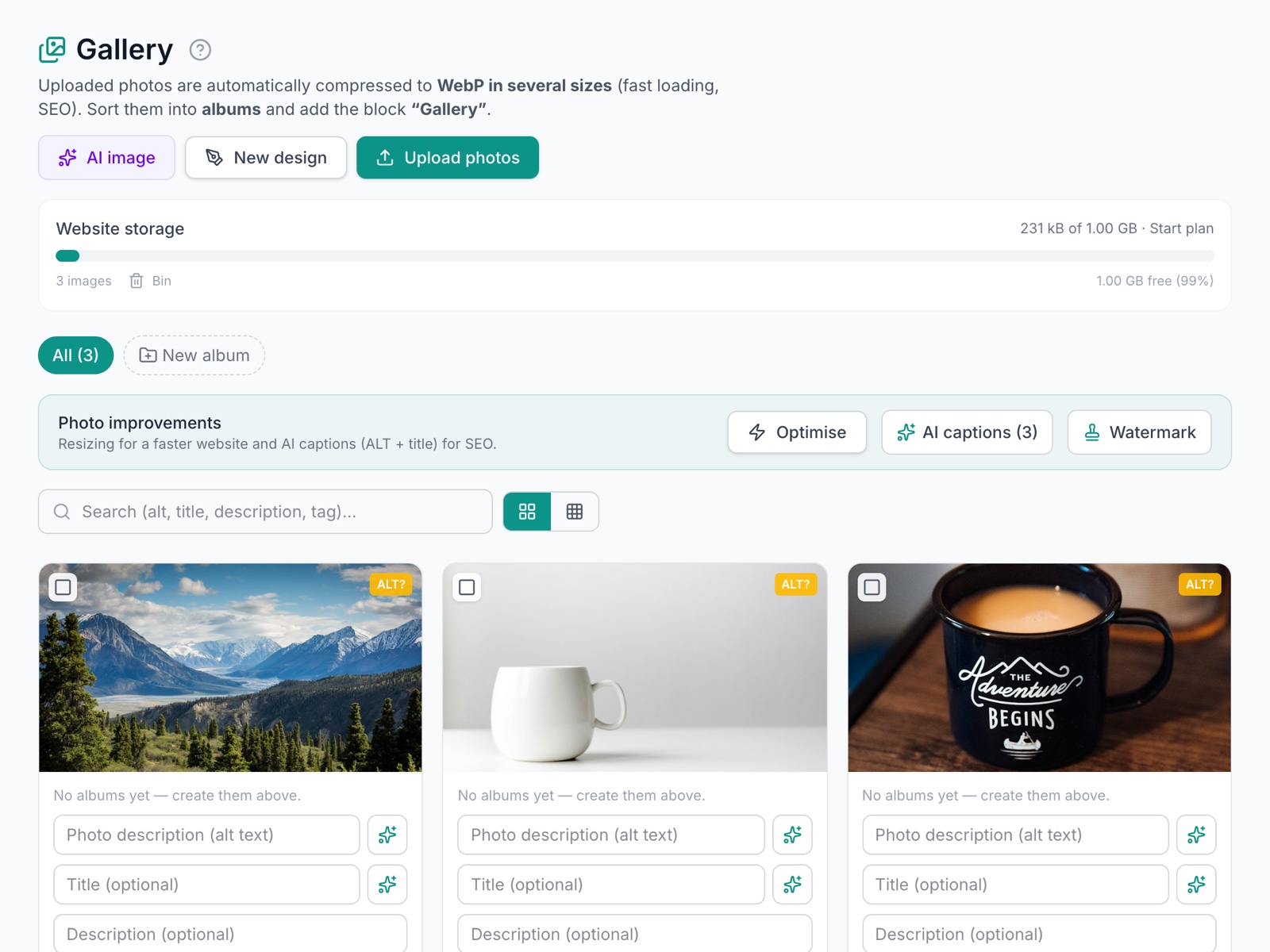
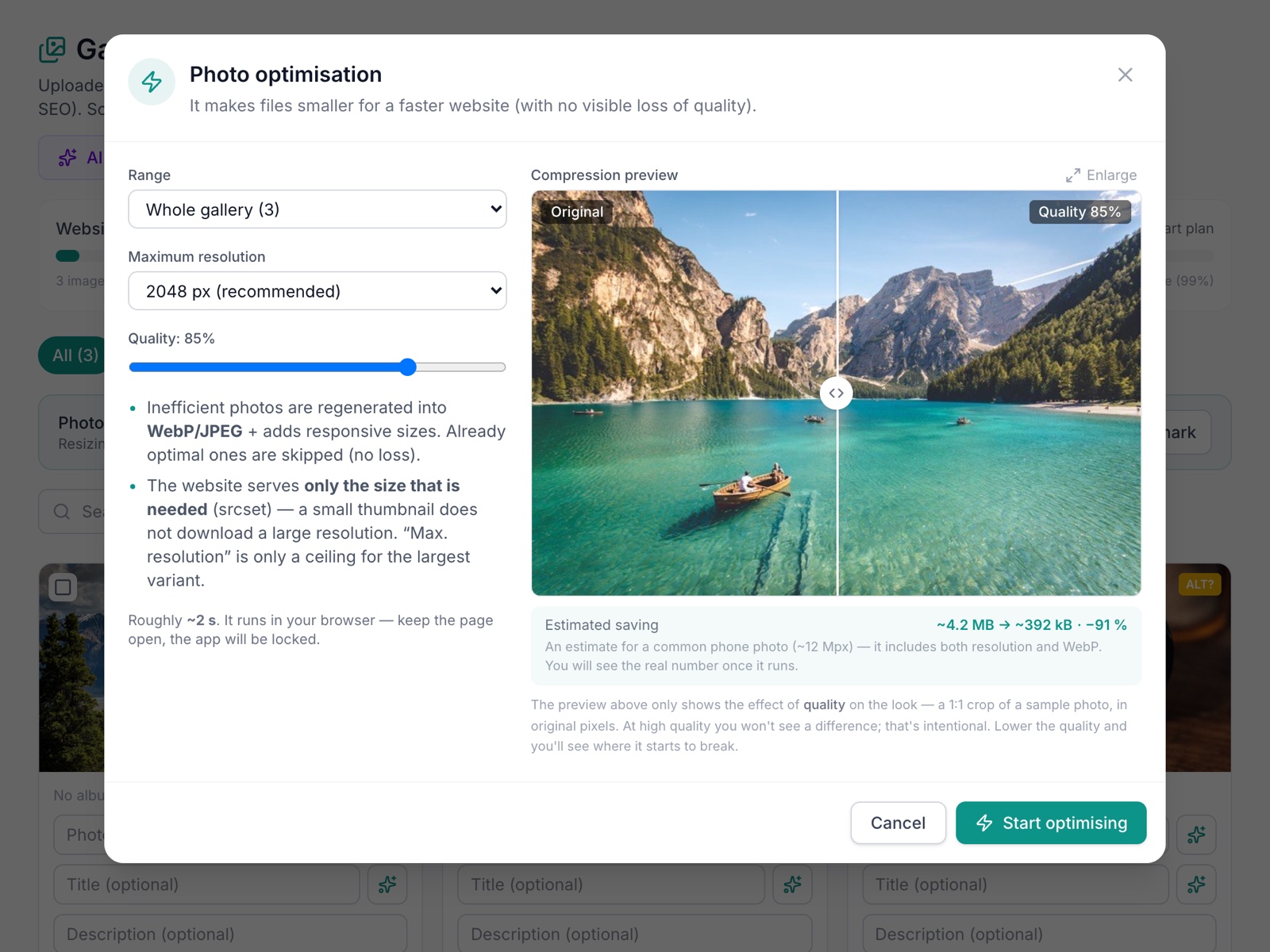
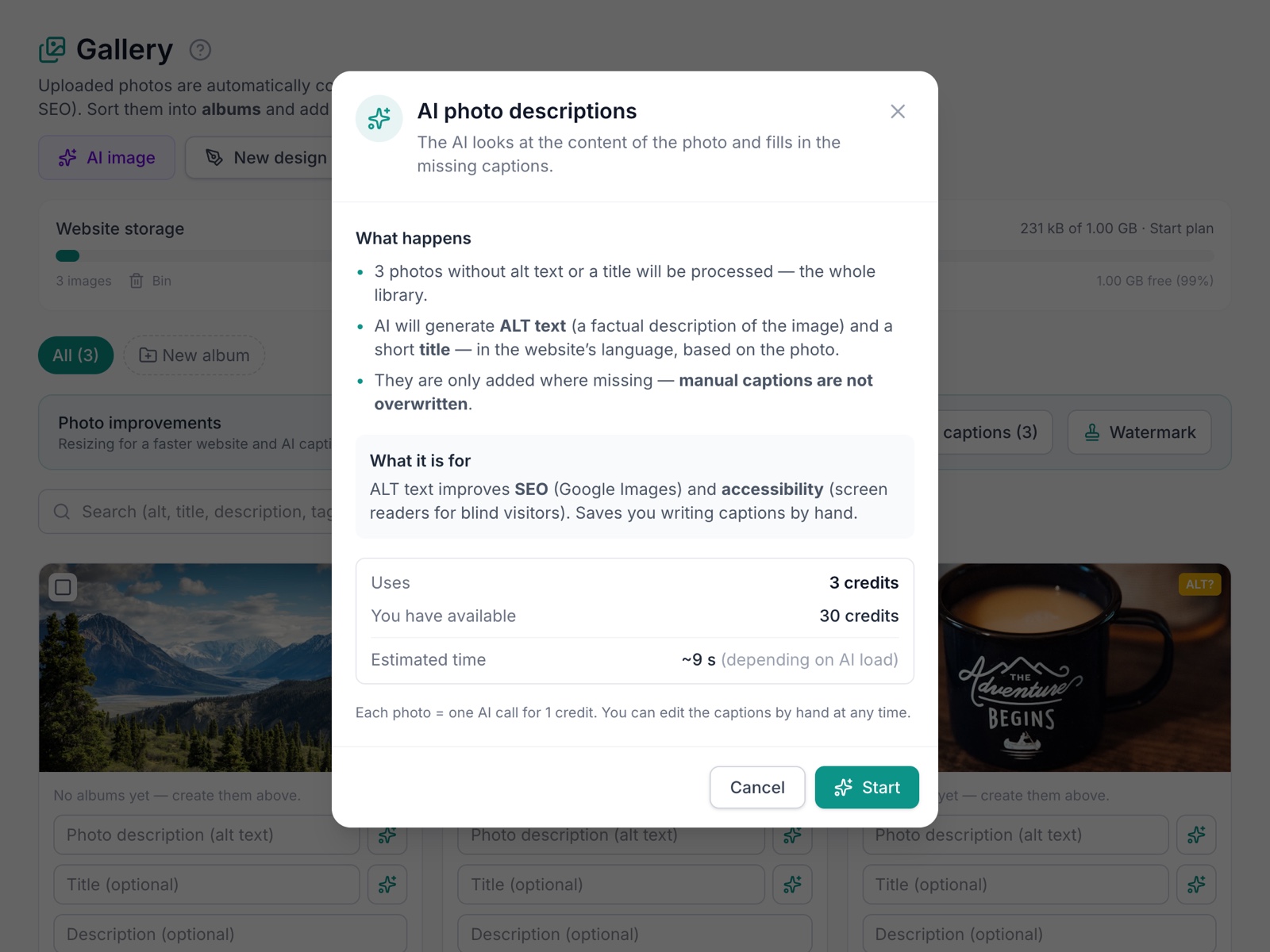
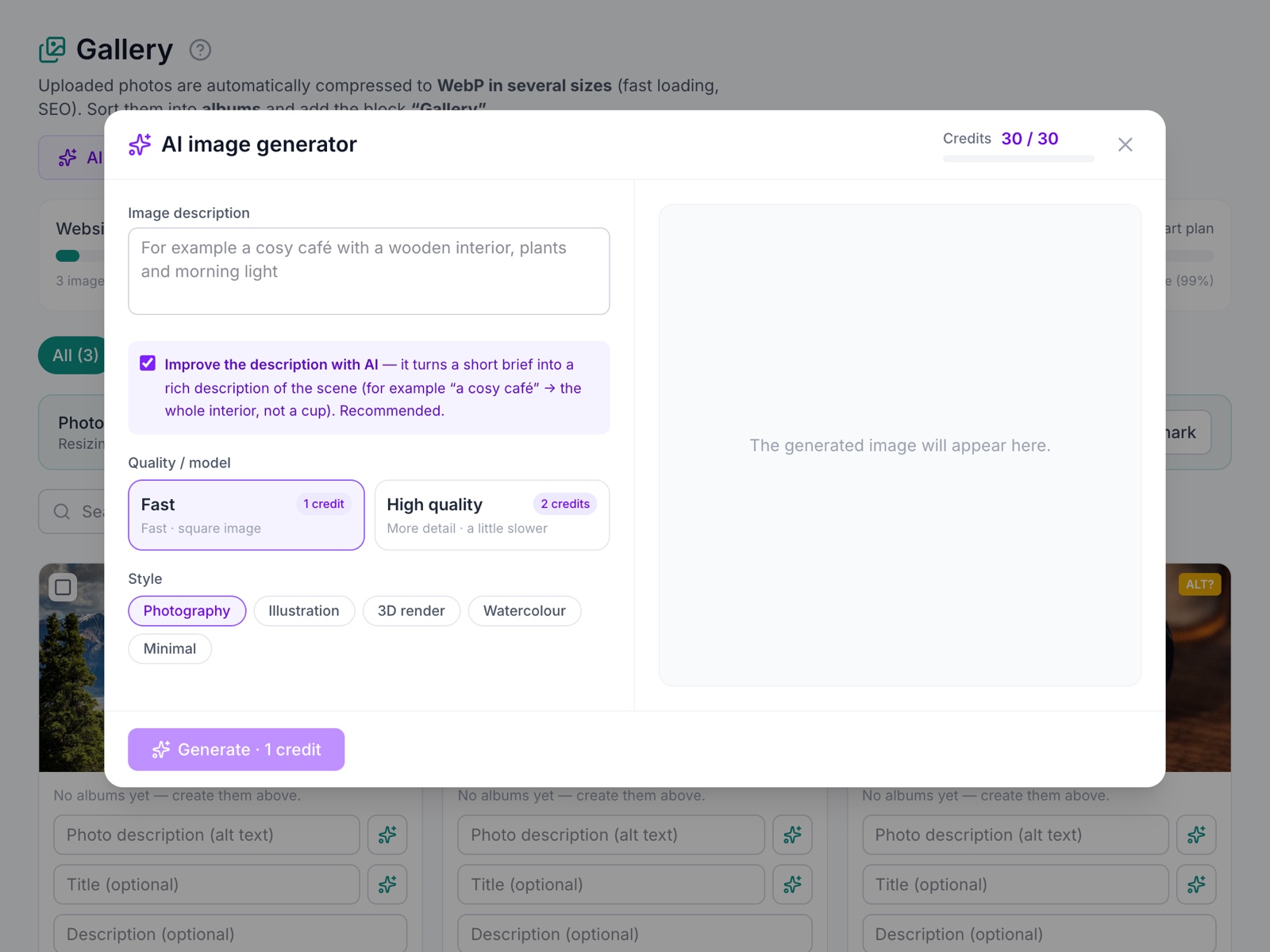
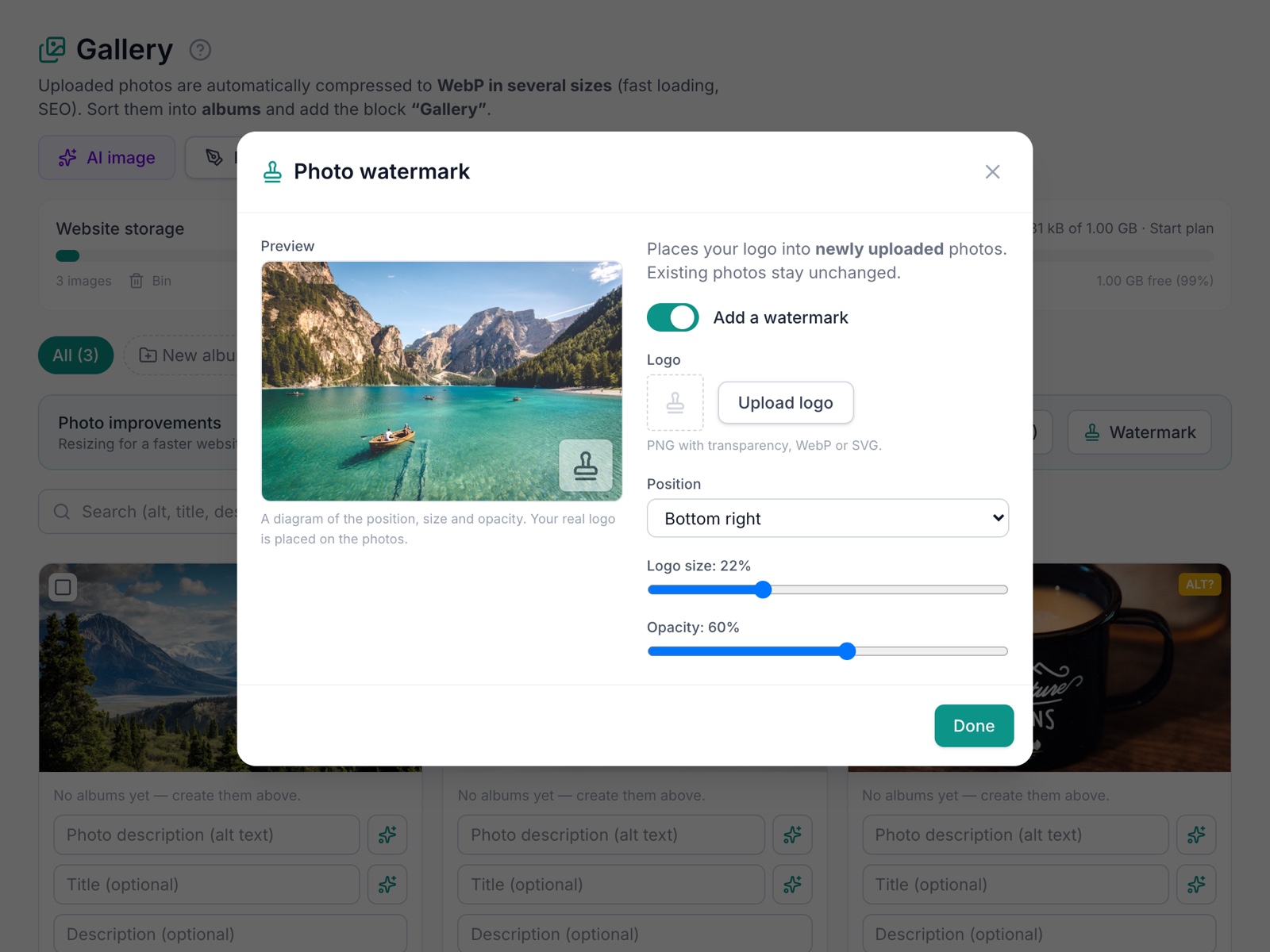
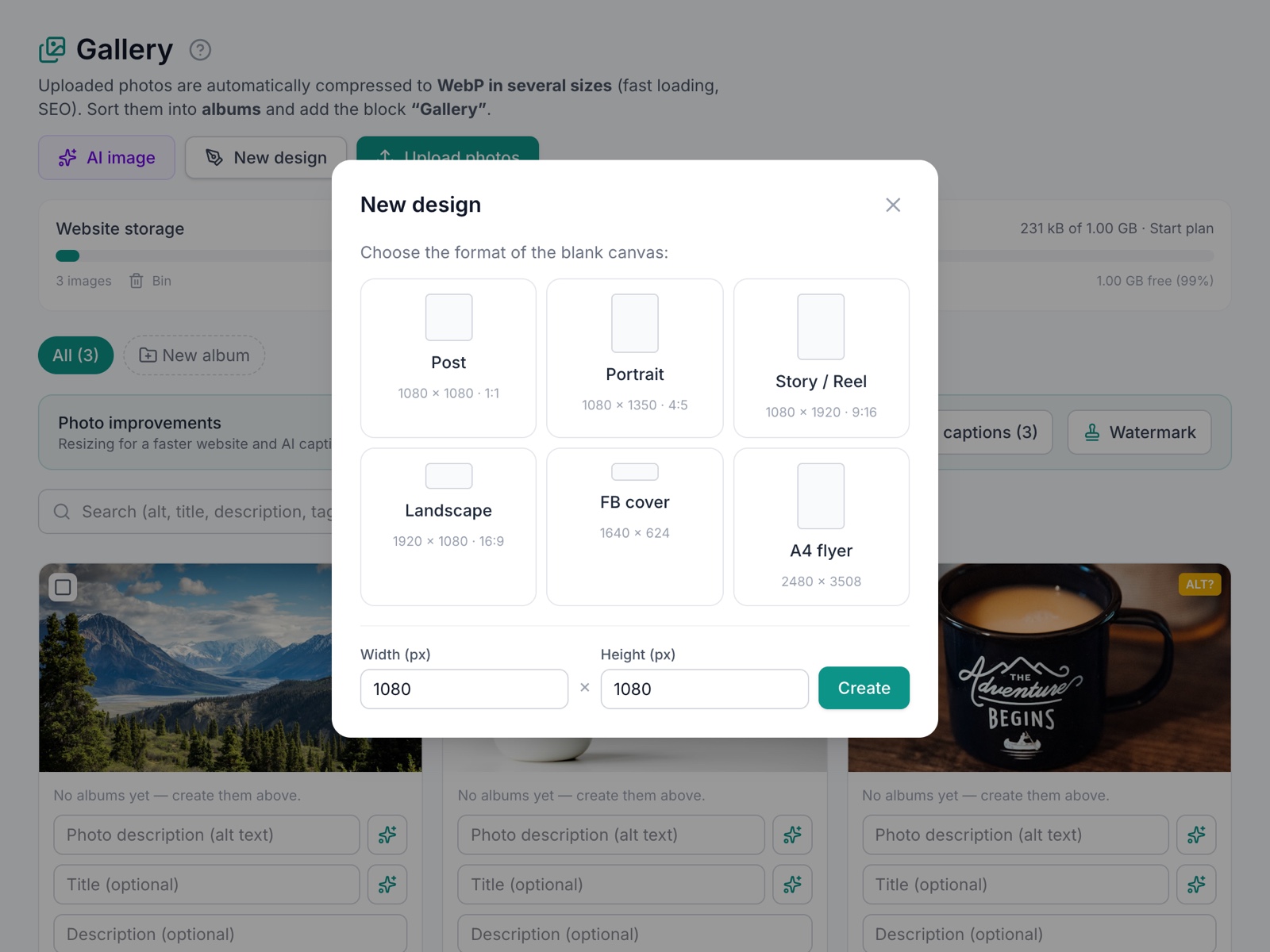
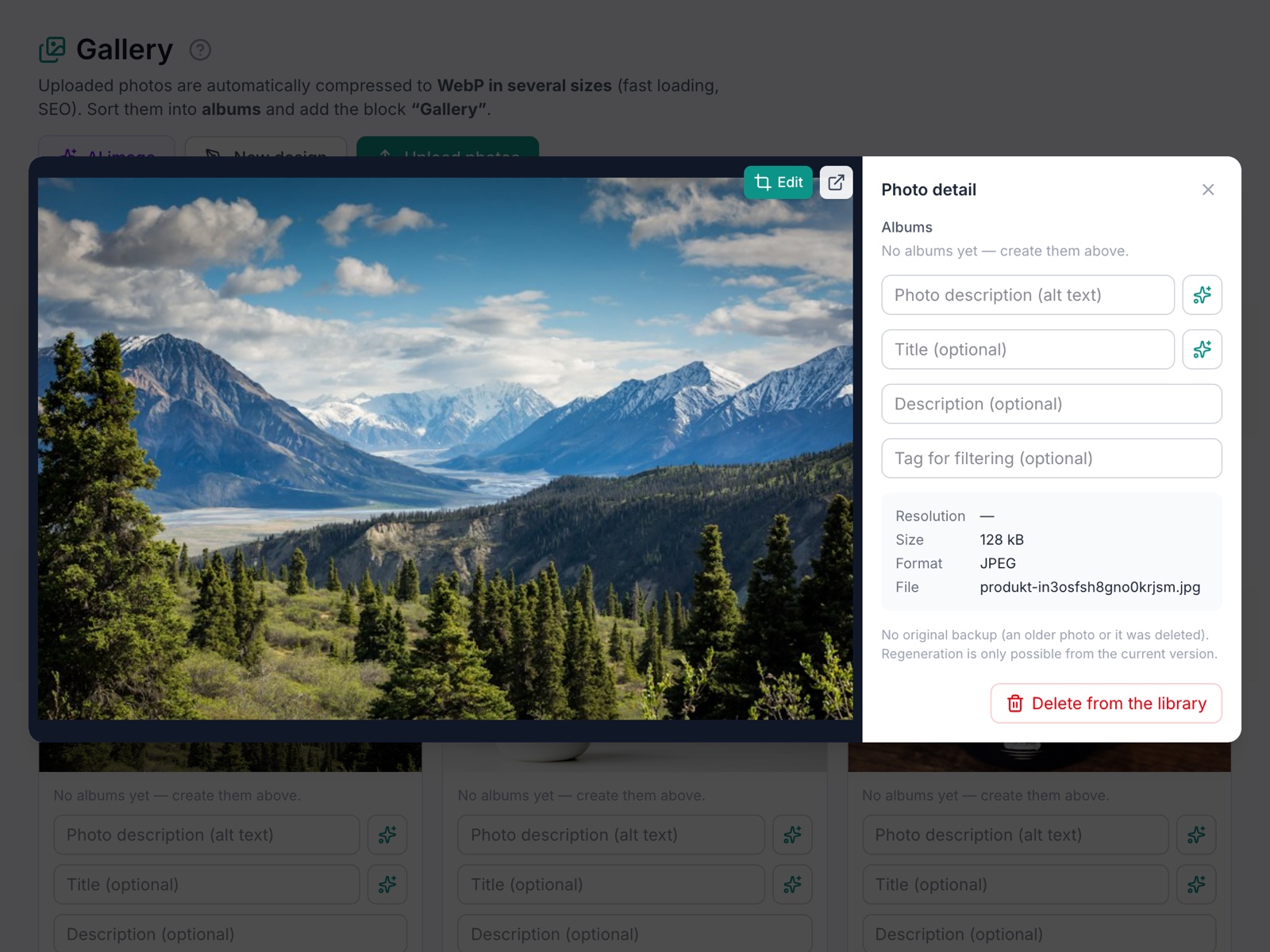
and the result on your site
2 This is what a visitor sees
From our work
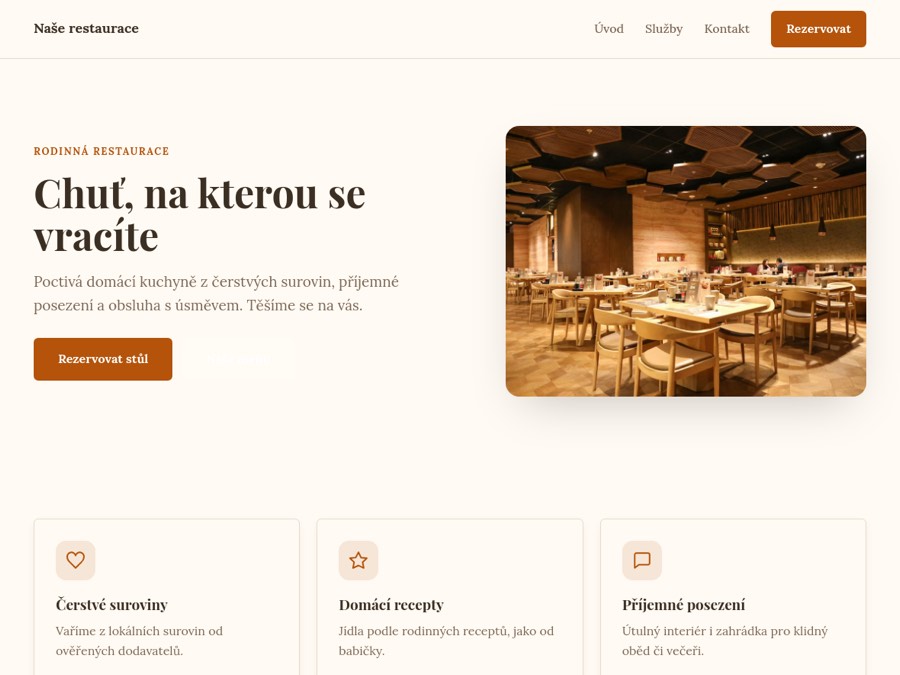
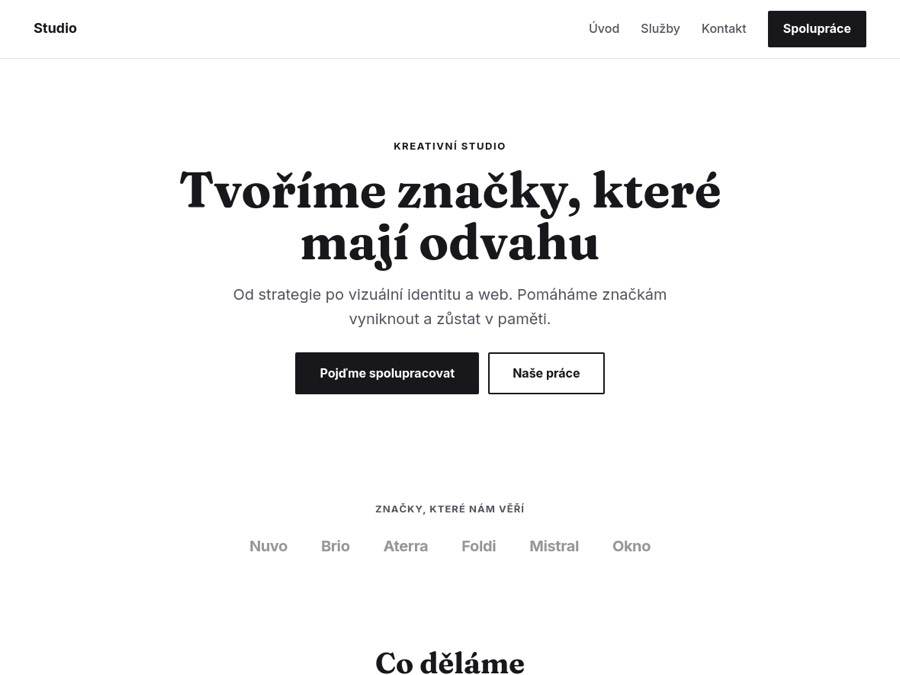
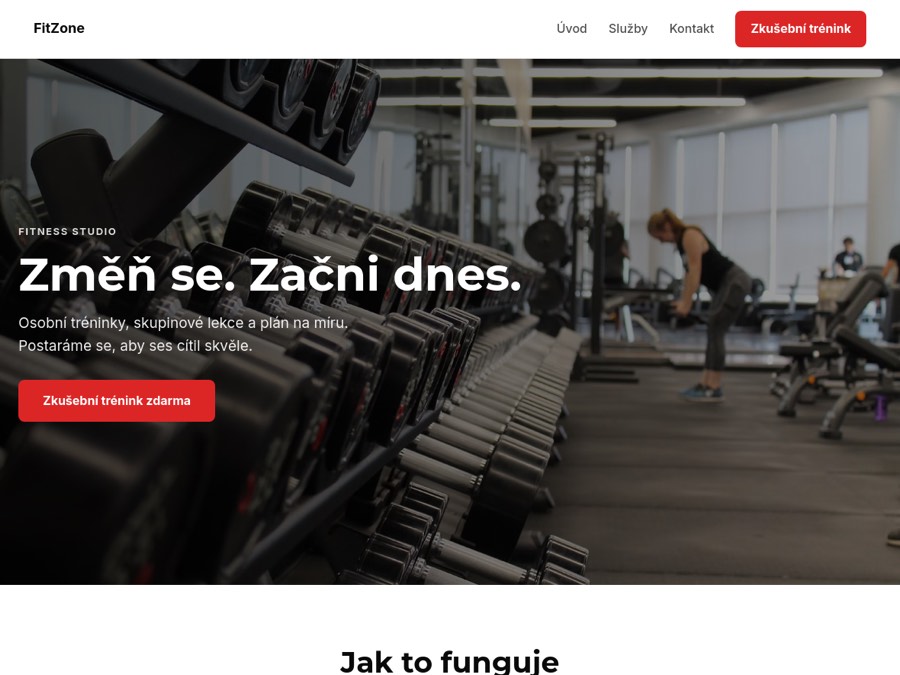
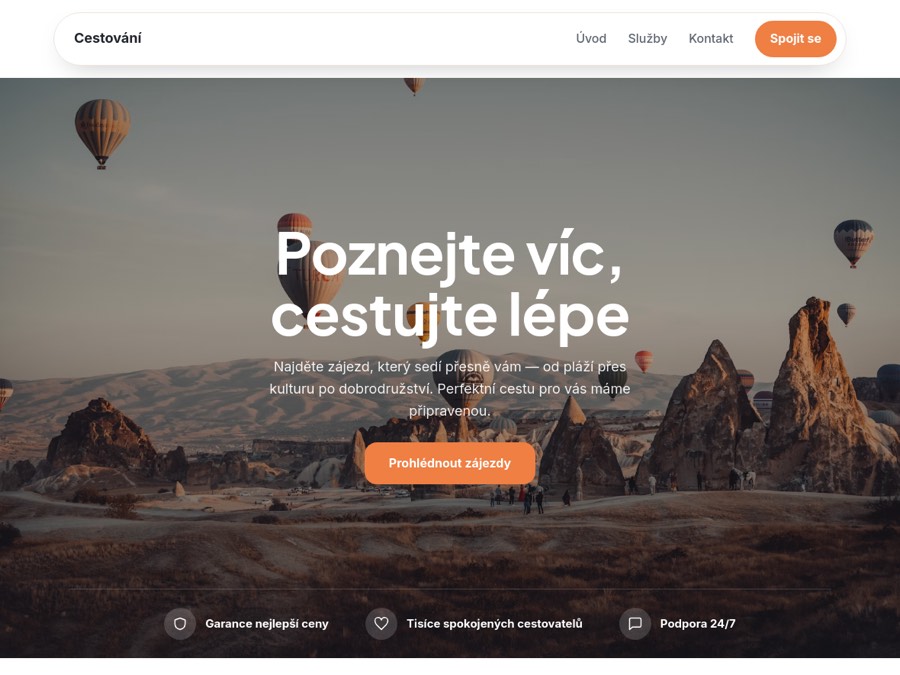
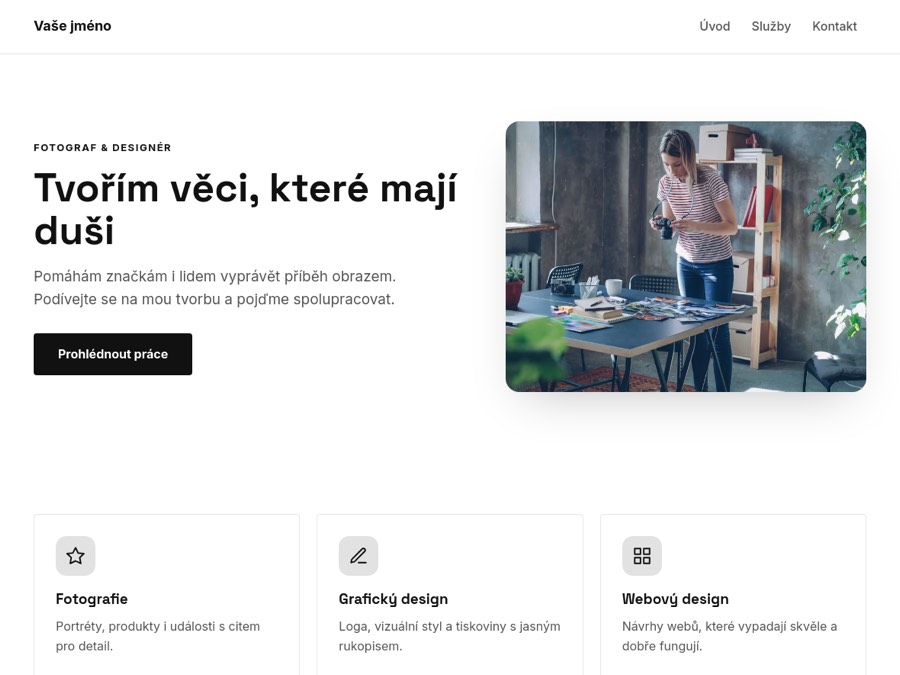
A live example right here on the page. Nothing is sent or saved.
Without the module — and with it
- Phone photos slow the site to a crawl Photos resize themselves and load fast
- The gallery is one big pile Albums and four layouts for whatever belongs where
- Editing a photo means opening another program Crop, text and background removal in the full version
What you get free and what the full version adds
Free
- Four gallery layouts and albums
- Photo editor: crop, filters, text, shapes
- Room for about 1,500 photos
Full version adds
- With Premium, room for about 7,000 photos
- AI background and object removal, text effects
- Watermark and download protection
The full version costs CZK 149 a month — or comes with the Premium plan. The price is final; we are not VAT-registered.
Why a module, not another service
Most of this can be done with a third-party app or a plugin. Here is the difference:
| A third-party gallery | A WordPress plugin | Webeas module | |
|---|---|---|---|
| Price | another monthly subscription | a plugin, often paid, plus hosting | basic free, full version in a plan or on its own |
| Setup | create an account, paste code into the site | install, configure, watch for updates | switch it on in the admin — done |
| Look | a foreign box with a foreign look | whatever the plugin theme does | in the look of your site |
| Data and login | another account, data with a third party | on your hosting, your backups | one login, backups with us |
| When it breaks | the other service’s support | a plugin forum, or a developer | you write to us |
How it works
- Upload photos Drag them into the library; resizing and previews happen by themselves.
- Build an album Pick photos and a layout — grid, mosaic, strip and more.
- Place it on a page Put the album on your site like any other element.
Common questions
How many photos fit for free?
About 1,500 ordinary photos; free sites share the space per account. More space comes with the site’s plan — roughly 7,000 photos with Premium, twice that with Max.
Do I resize photos first?
No — sizes and previews are on us. Upload straight from your camera.
What can the image editor do?
Free: crop, rotate, adjust, filters, text, shapes and layers. The full version adds AI background and object removal, text effects and a watermark with your logo.
Give it a try. Nothing is at stake
Albums, four layouts and room for about 1,500 photos are free.
Create a site for free Free forever · no card needed · cancel anytime